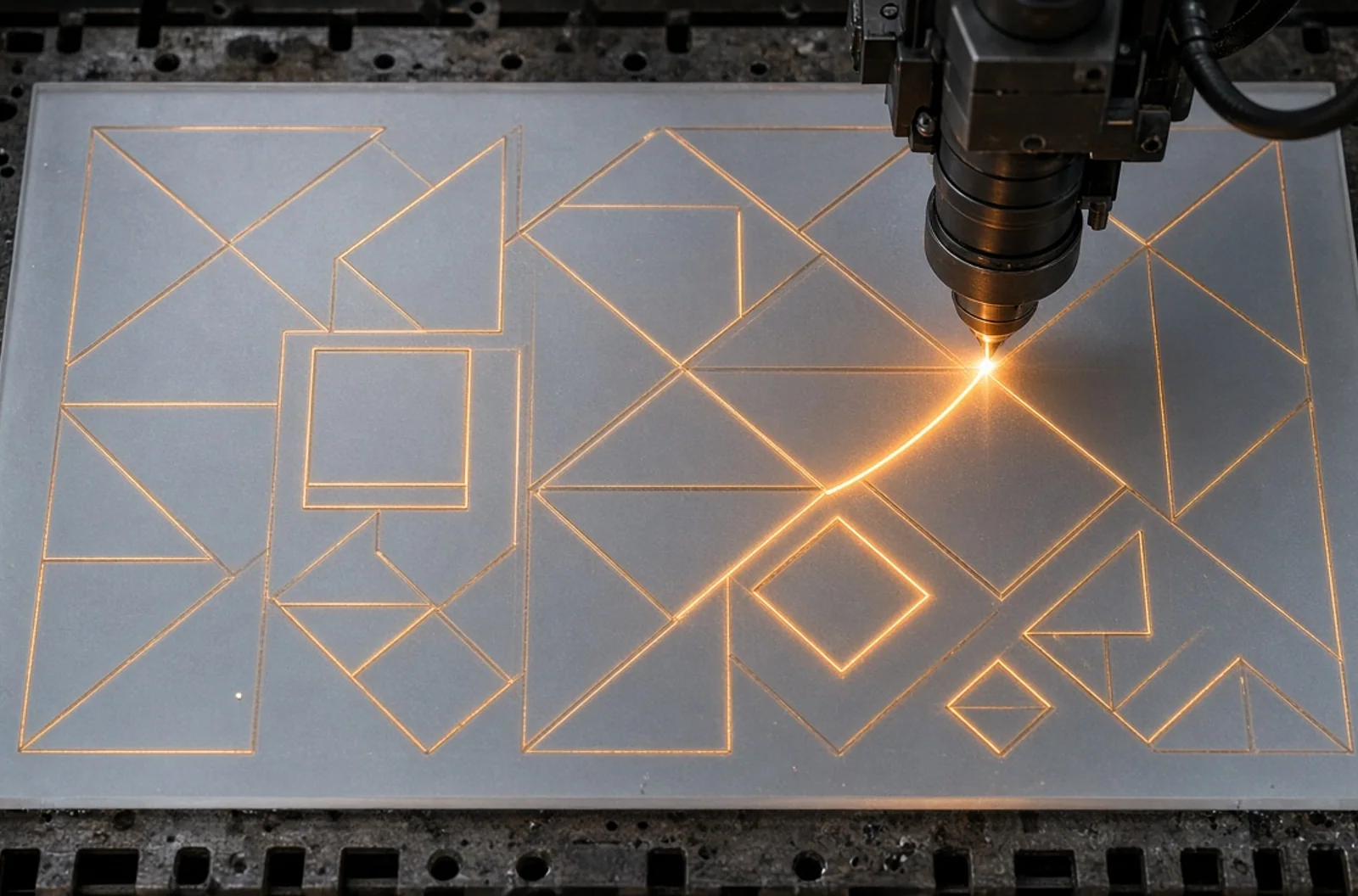
Build cleaner vector files with closed paths, sensible kerfs, tabs, spacing, and production-ready dimensions.
Build cleaner vector files with closed paths, sensible kerfs, tabs, spacing, and production-ready dimensions. This guide explains laser cutting file preparation from a practical customer perspective. It is written for people who want a finished result, not a sales pitch for one machine or technique. The best custom work begins with a clear use case, suitable material, production-aware artwork, and enough time to test details that cannot be judged from a screen.
laser cutting file preparation is especially useful for sign letters, ornaments, templates, layered art, display parts, and decorative panels. Those categories may look unrelated, yet they share the same planning questions: What must the object communicate? Where will it live? How will it be handled? Which details are essential? What variation is acceptable? Answering those questions early protects both appearance and budget.
How the process works
The studio reviews scale and material, separates cut and engrave operations, repairs paths, nests parts, runs a material test, and then cuts while monitoring edge quality and part stability.
A professional workflow separates design intent from machine settings. Customers do not need to specify power, speed, ink layers, or focus values. They should explain the result: final size, quantity, material preference, colors, deadline, exposure, and any detail that cannot change. OCLaserCut can then evaluate the project, recommend a route, and identify where a sample or proof adds value.
- Define the outcome. Describe the recipient, audience, environment, dimensions, quantity, and date needed.
- Gather usable artwork. Original vector logos, high-resolution photographs, exact wording, and brand references reduce avoidable reconstruction.
- Select and test materials. Appearance, safety, compatibility, durability, and natural variation must be considered together.
- Approve the proof. Check spelling, scale, hierarchy, orientation, crop, and placement rather than looking only for general attractiveness.
- Produce and inspect. The studio verifies the first result, monitors the run, cleans or finishes parts, and checks the order against the approved specification.
Design choices that improve the result
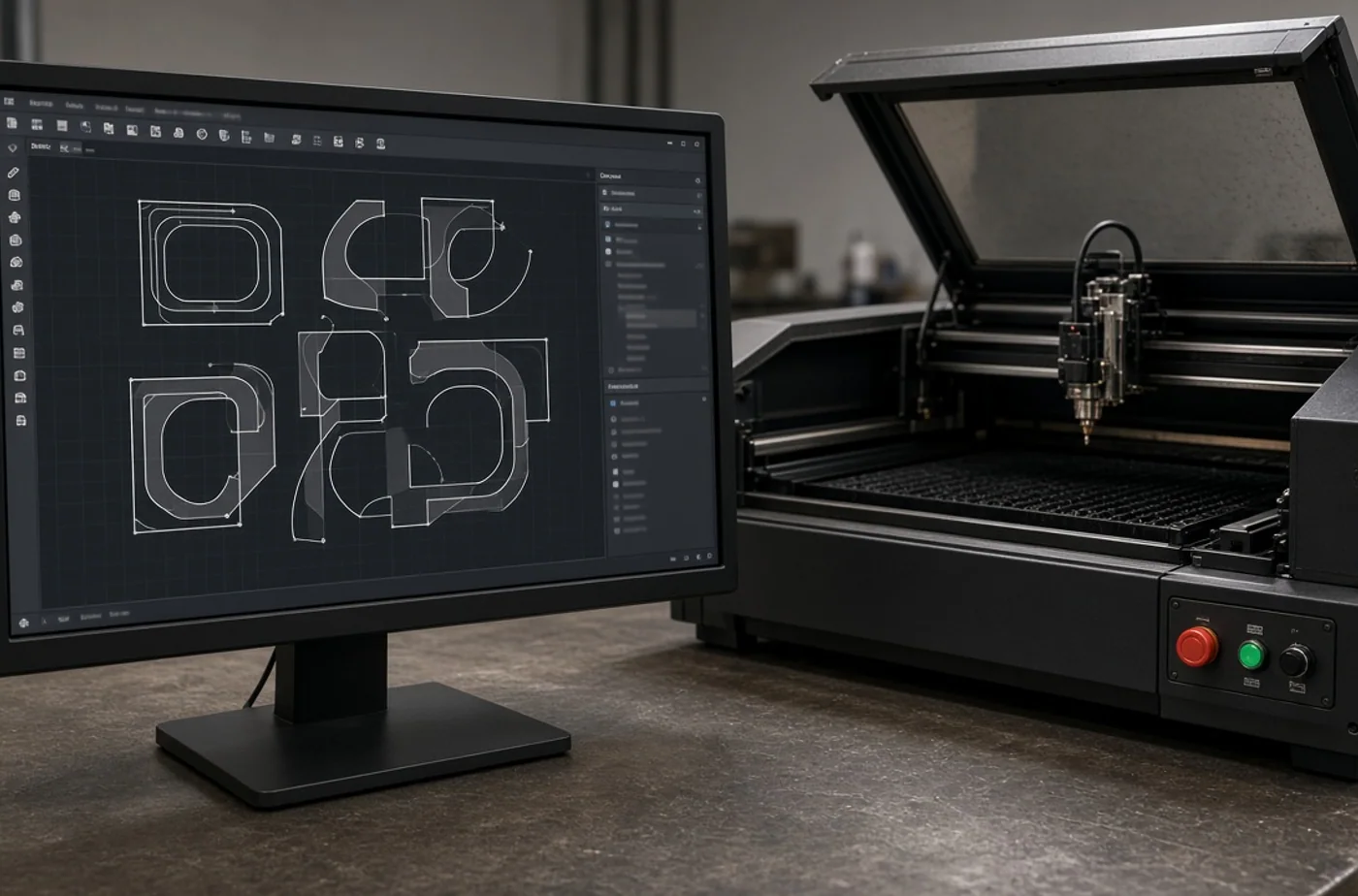
Use true vectors for cut lines, define final dimensions, account for kerf and minimum web width, and identify engraving with separate layers or colors. A useful design is normally simpler at production size than it appears in a large digital mockup. Strong hierarchy gives the eye an obvious first read, while adequate margins keep text and graphics away from edges, holes, seams, and hardware.
Start with the real viewing conditions
Measure the available area instead of estimating it. Consider whether the piece will be held, viewed on a desk, read across a room, photographed at an event, mounted near a window, or exposed to weather. Type that is comfortable on a laptop may become illegible when engraved on a small object. Conversely, an oversized logo may feel aggressive on a personal gift.
Prepare artwork for the selected method
Vector artwork is preferred for cut paths, crisp logos, line art, and scalable text. High-resolution raster artwork is appropriate for photographs and continuous-tone printing. Sending an image inside a document does not improve its resolution. When fonts are important, include the font information or convert approved lettering to outlines. Always provide exact wording as editable text in addition to any reference image.
- Use the original design file when it is available.
- Supply photographs at their original size rather than through a messaging screenshot.
- Mark the final dimensions and orientation clearly.
- Identify required colors and explain whether visual matching is critical.
- List every variable name, number, title, or date in one controlled file.
Materials, durability, and honest expectations
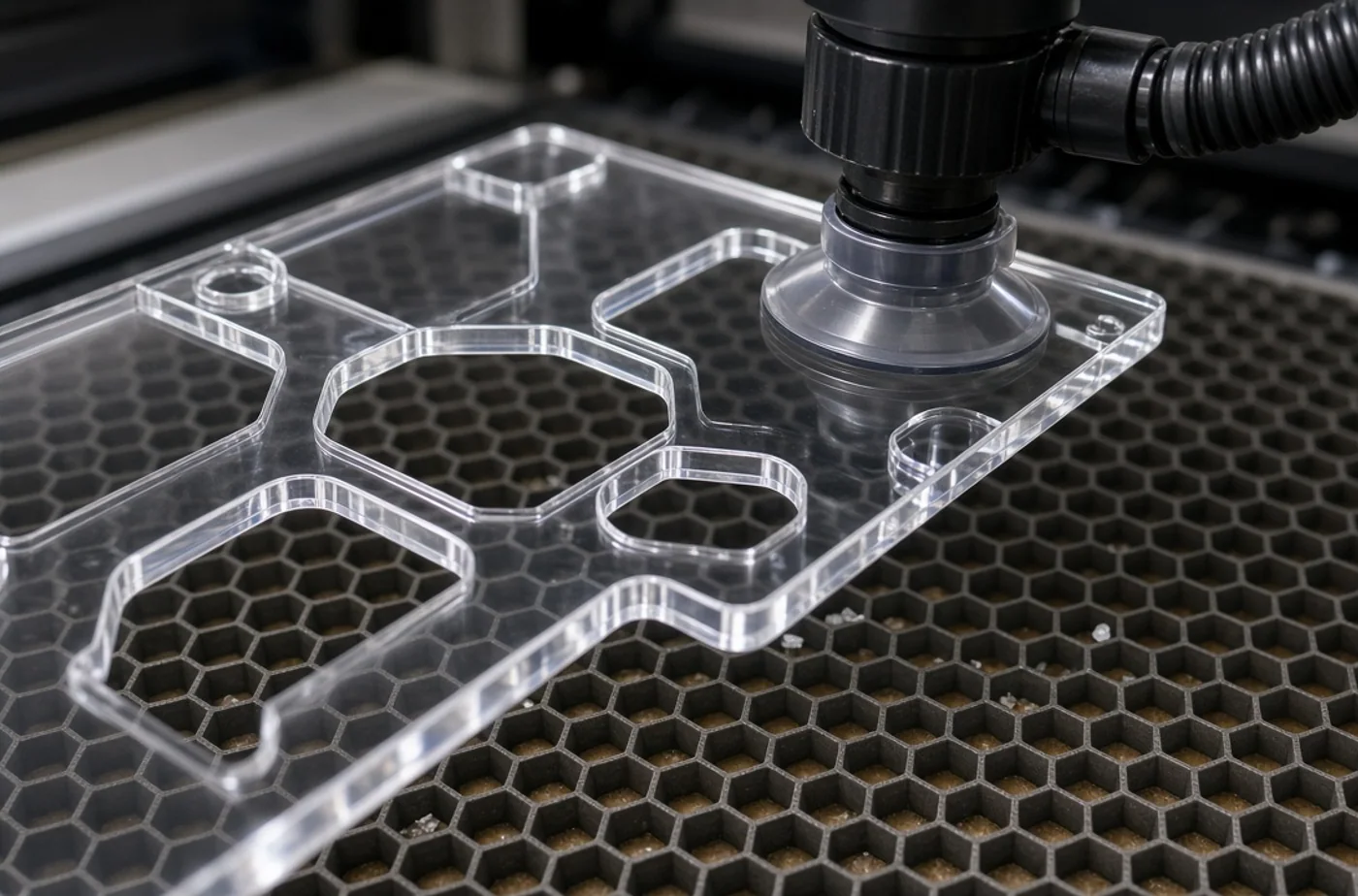
Duplicate paths can cause repeated cuts and excess heat. Open shapes, microscopic gaps, unsupported islands, and unrealistic tolerances also produce preventable failures. This is why a clear description of real use matters. Terms such as permanent, waterproof, food safe, or outdoor should not be assumed from appearance alone. Substrate, coating, finish, mounting, cleaning, and exposure all contribute to service life.
Natural materials introduce character and variation. Wood grain, slate texture, leather color, and stone edges will not be identical from piece to piece. Manufactured materials are more consistent, but coatings, sheet thickness, color lots, and surface energy can still vary. An approved sample establishes a target; it does not turn a natural product into a molded duplicate.
Plan care before production
Ask how the product should be cleaned, carried, stored, or mounted. Abrasive pads, harsh solvents, prolonged soaking, high heat, and flexing can damage many decorated surfaces. Signs need suitable hardware and a known mounting substrate. Gifts intended for food contact, children, pets, or demanding work environments should be disclosed so the studio can discuss appropriate options and limitations.
Project ideas and ways to personalize them
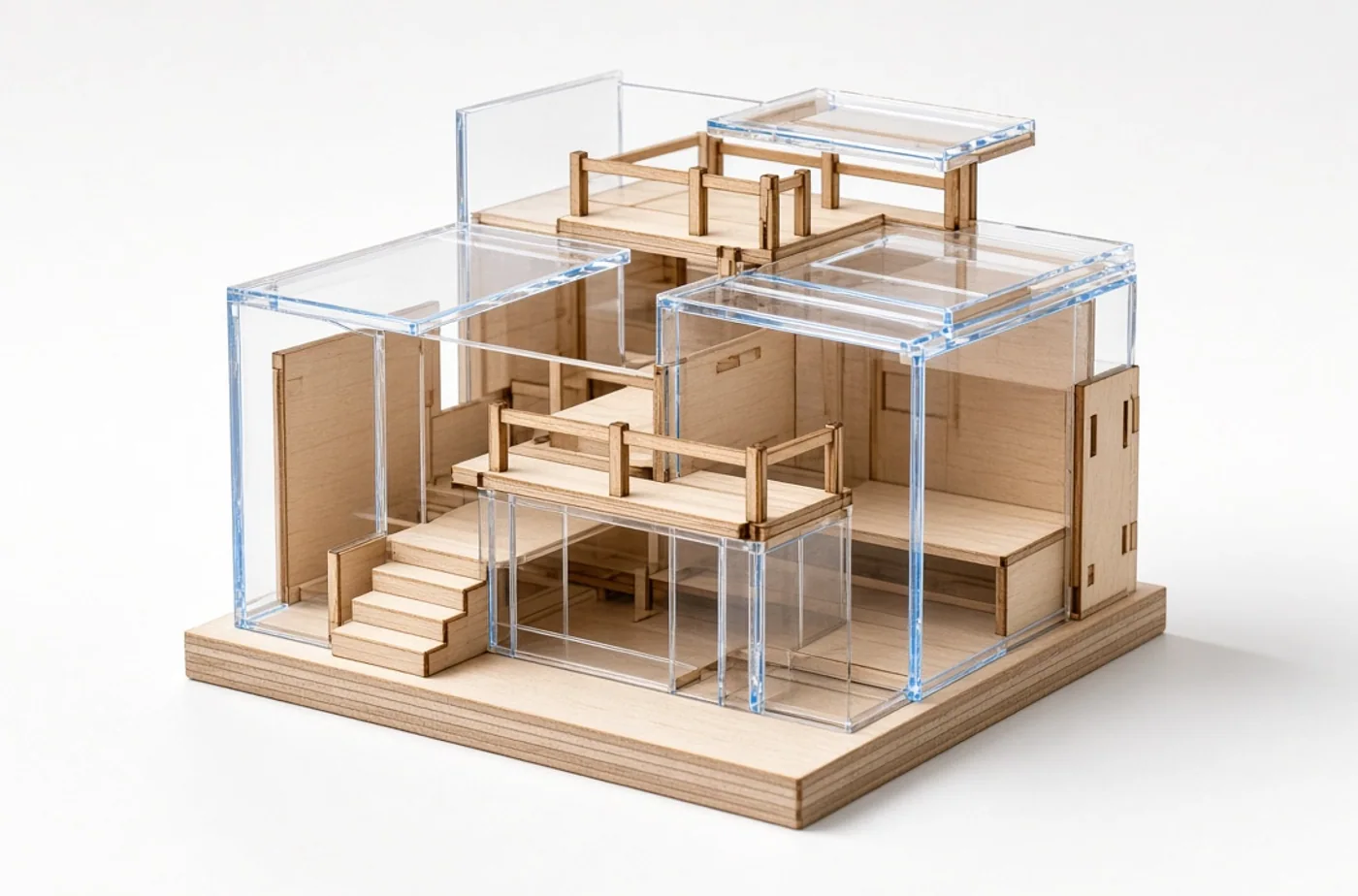
Strong applications for this topic include layered maps, architectural models, wedding place names, product jigs, display stands, and seasonal ornaments. Personalization can use a name, date, location, short message, logo, photograph, number, route, handwriting sample, or coordinated color. The most effective version usually chooses one primary story and supports it with restrained secondary detail.
Orange County designers can reduce turnaround by sending clean SVG, PDF, AI, or DXF files together with material and quantity notes. Local production is helpful when scale, physical texture, color, or an unusual supplied item needs discussion. It can also simplify pickup for event pieces that are expensive or awkward to ship. Remote customers can still provide a thorough brief and review digital proofs when the project is appropriate for delivery.
Avoid common ordering problems
- Unconfirmed text: names, dates, titles, addresses, and capitalization should be treated as final production data.
- Unrealistic source files: a tiny web image cannot support a detailed large print or portrait engraving.
- Missing dimensions: words such as small or standard mean different things to different people.
- Hidden deadline details: provide the event date and the earlier date when the item must actually be in hand.
- Unstated environment: interior display, exterior exposure, washing, abrasion, heat, and sunlight change recommendations.
How to request a useful quote
A concise quote request can save several rounds of questions. Include the product idea, dimensions, quantity, material or appearance preference, artwork status, personalization count, use environment, deadline, delivery method, and reference photos. If budget is fixed, sharing the range helps the studio recommend realistic construction instead of quoting an unsuitable concept.
For visual direction, browse the custom work gallery and the shop samples. A sample is useful for learning what you like, but custom work may require different dimensions, material, or production steps. When the project has unique requirements, send them through the custom-order page. Questions about feasibility, supplied items, or scheduling can go through contact.
Frequently asked questions
What is laser kerf?
The answer depends on the exact material, final size, environment, and expected appearance. Provide those details with a photograph or artwork file so the studio can answer for the actual project rather than offering a generic promise.
Can a PNG be used for cutting?
Begin with intended use and the result you value most: fine detail, color, depth, contrast, weather resistance, flexibility, or natural character. A production recommendation should follow those priorities and may include a test when surface behavior is uncertain.
Why do inside corners look different?
Send the best original files available and state the deadline, quantity, dimensions, and non-negotiable details. OCLaserCut will identify whether the request is production ready, needs artwork preparation, or would benefit from a sample before the full order.
Final planning advice
Successful laser cutting file preparation is a collaboration between a clear customer brief and disciplined production. Focus first on who will use the piece and where it will live. Then choose material and artwork that support that purpose. Leave room for proofing, confirm all variable information, and accept reasonable material variation where it adds character rather than undermining function.
OCLaserCut is an Orange County service studio producing finished custom engraving, cutting, sublimation, UV or flatbed printing, and related personalized work on professional equipment selected for the job. If this guide helped shape an idea, review available samples or submit a low-pressure custom request with the essentials. The goal is not to add decoration for its own sake; it is to make an object that communicates clearly, works in its environment, and feels worth keeping.
Ready to create yours?
Browse ready samples in Shop or start a Custom Order for laser engraving, cutting, sublimation, and UV printing in Orange County.
Related guides
- Laser-Engraved Graduation Gifts for Meaningful Next Steps
Celebrate a graduate with a practical keepsake based on achievement, destination, personal style, and durable design.
- Custom Laser-Cut Holiday Ornaments: Design and Ordering Guide
Create lightweight, readable ornaments with safe details, clean personalization, balanced hanging, and early scheduling.
- Laser-Engraved Awards for Schools, Teams, and Clubs
Organize names, categories, logos, budgets, and ceremony timing for awards participants will want to keep.
- Custom Event Signage Checklist from Entrance to Exit
Map every guest decision, then create a coherent sign family for welcome, navigation, schedules, food, and sponsors.